
For business
Camera coverage and infrastructure your business can rely on.
Surveillance built around how your space is actually used, structured cabling that stays serviceable, and the documentation an insurer or landlord asks for — designed, installed, and stood behind by one integrator across the Metroplex.

Five systems, one integrator
What we build for a business
The five systems, framed for an operator — sized to the space, documented for the paperwork, and serviceable by whoever comes next.
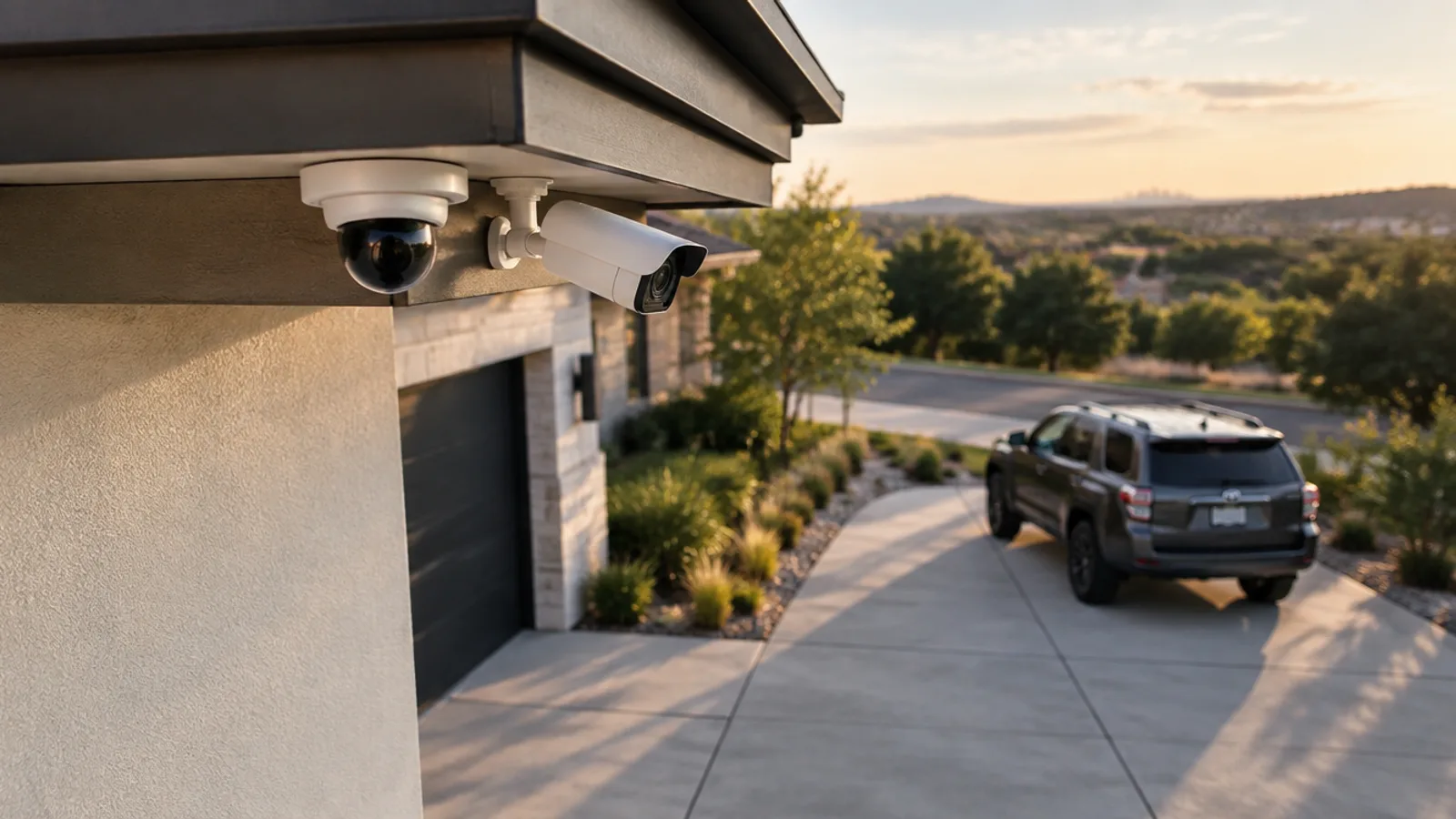 01Video surveillanceEntry/exit overlap, register and dock coverage, sized to how the space is actually used — with footage retained as long as you need it.Explore the work →
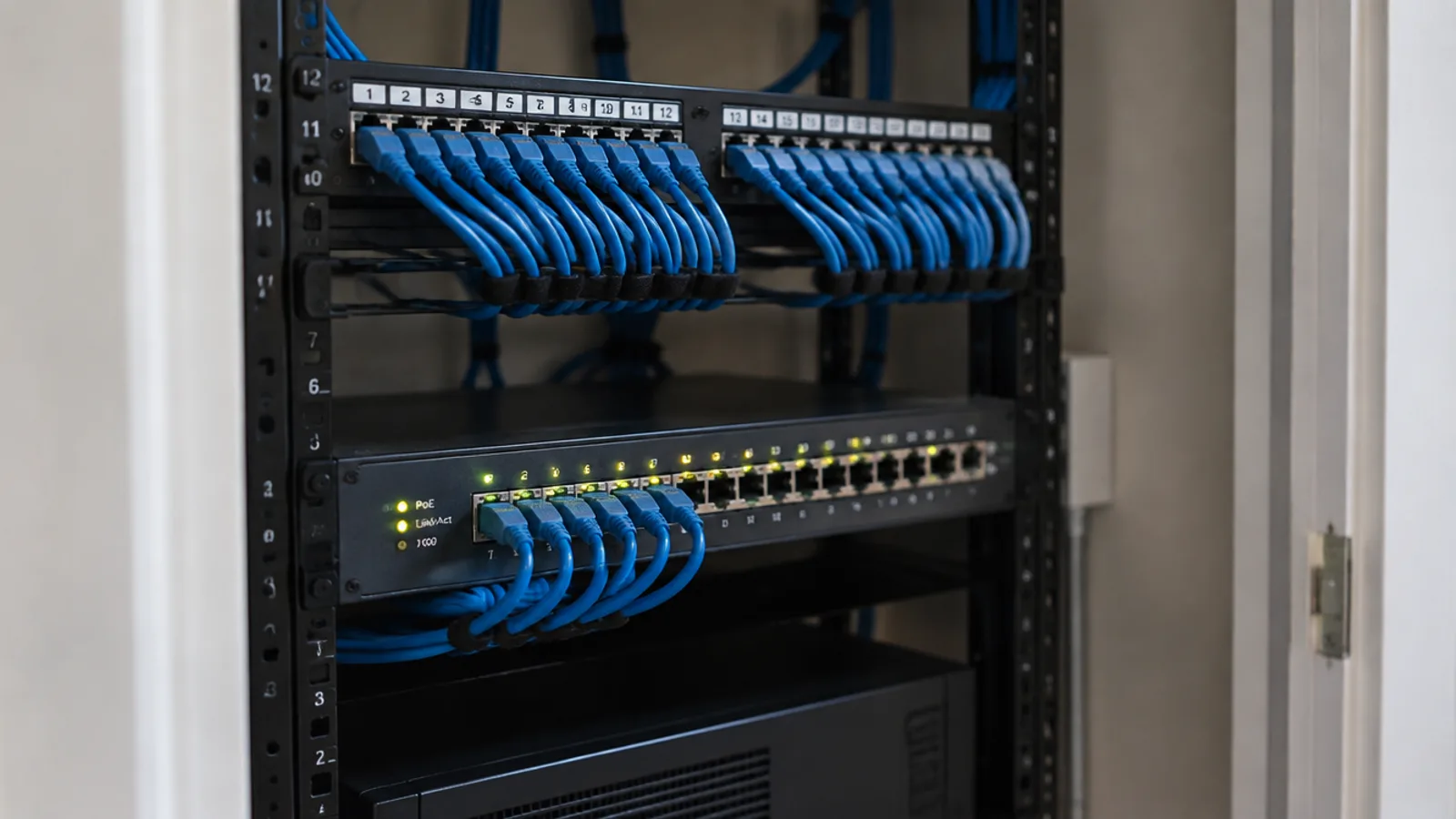 02Networking & structured cablingStructured cabling to a labeled rack, PoE sized to the load, and as-built documentation you can hand to the next tech.Explore the work →
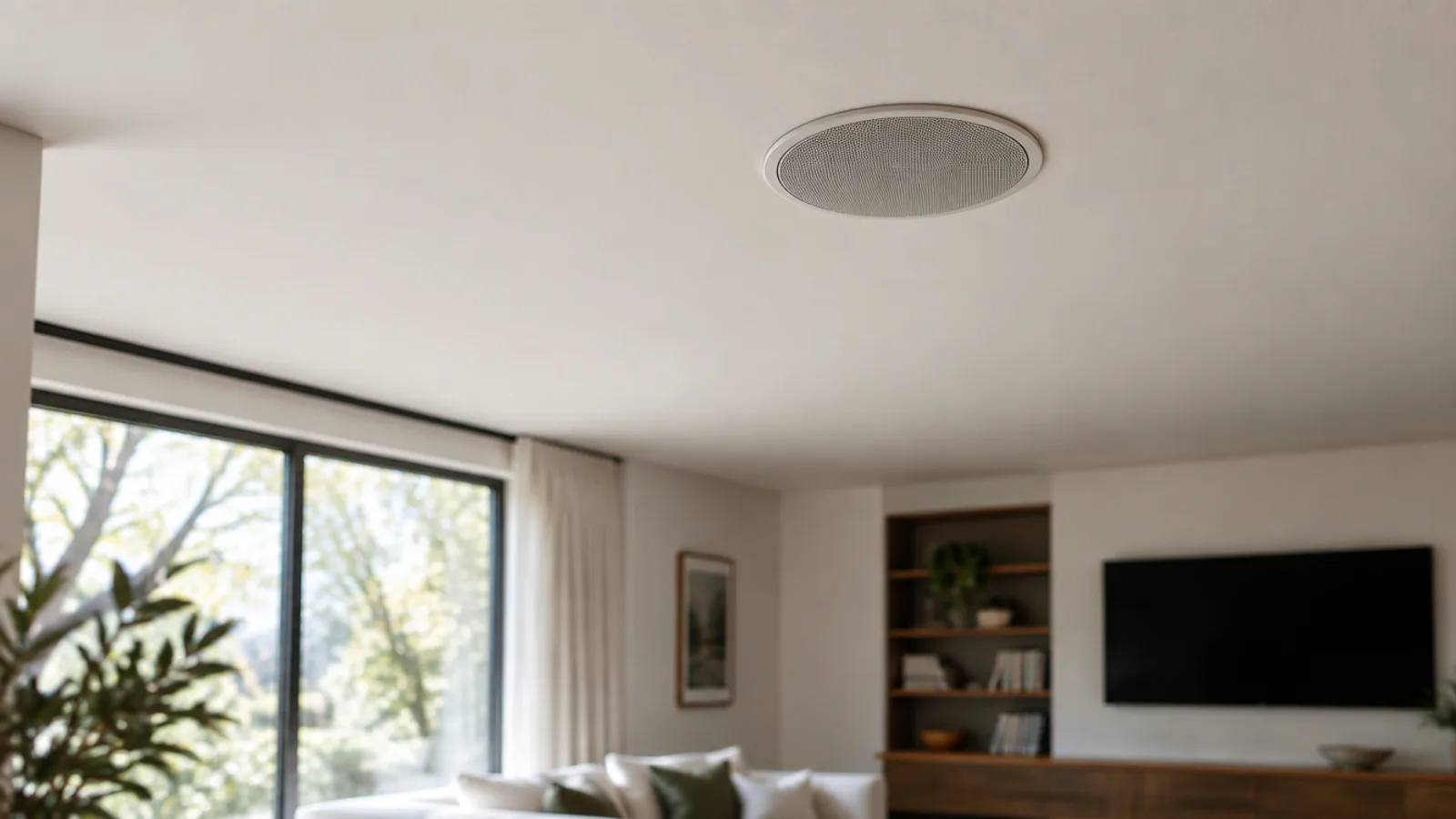 03Distributed audioBackground music and paging zoned to the floor, on one simple control that staff can actually run.Explore the work →
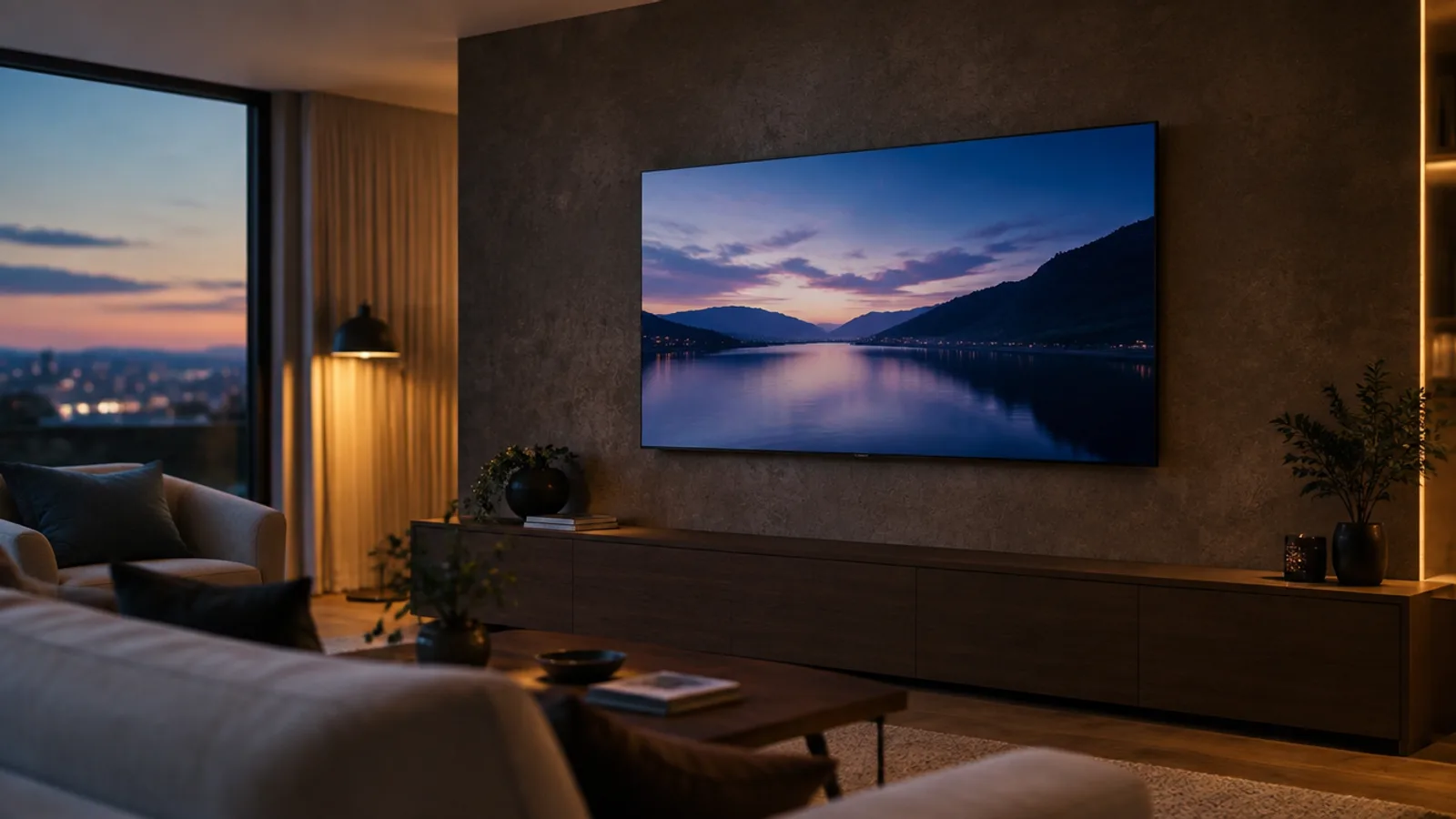 04Video, TV & antennasDisplays hung clean for lobbies, floors, and back-of-house — with distribution to as many screens as the space needs.Explore the work →
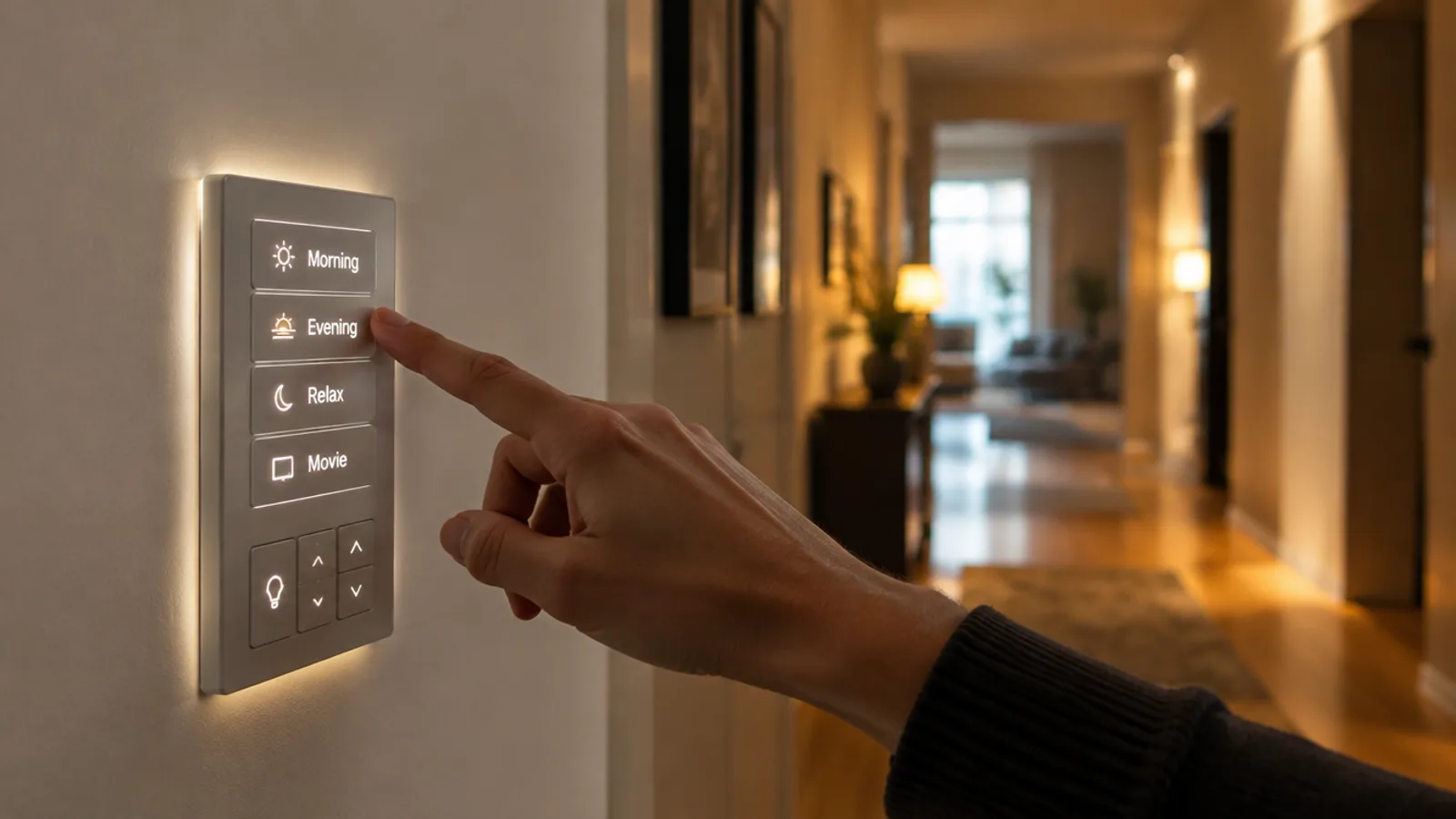 05Home automationLighting and controls scheduled around opening hours, so the building runs itself between the first and last shift.Explore the work →
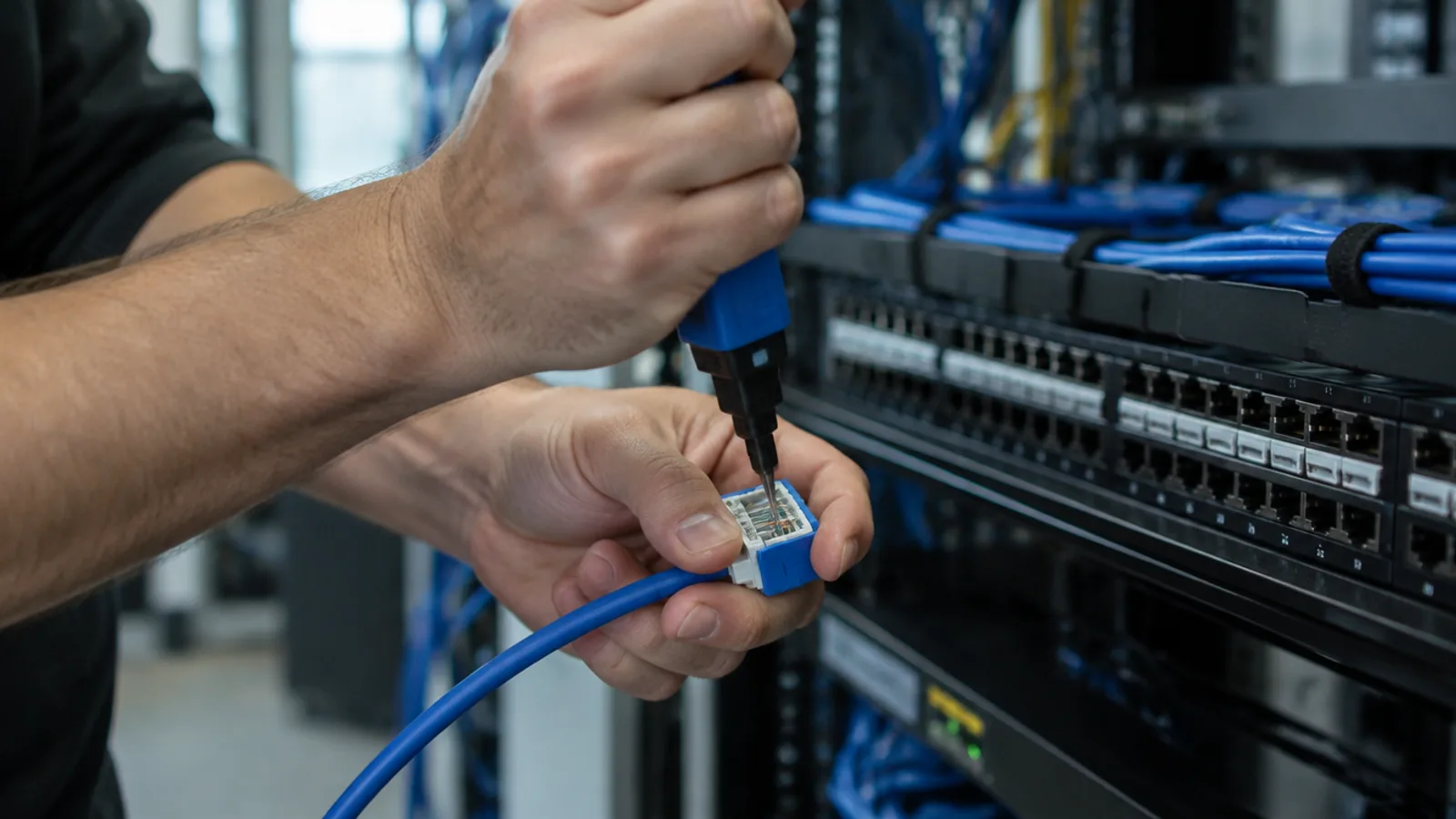
Multi-site & documentation
Built to satisfy the people who ask questions later
Run more than one location? You get one integrator and one point of contact across every site, with a consistent camera and cabling standard so a tech who knows one building knows them all.
Every job leaves behind an as-built: labeled runs, a drop map, camera placement, and a gear list — the documentation an insurer, a landlord, or your own IT team will ask for. We write it so it holds up under those questions, not just for our own records.
One contact, every site Insurer-ready as-builts
After-hours scheduling
Work scheduled around your operation
Standard hours are Monday to Friday, 8:00am – 6:00pm, weekends closed. When the work can't happen during trading hours, we schedule out-of-hours — with the fee agreed before you book, never after.
Standard hours
Monday to Friday, 8:00am – 6:00pm. No time surcharge on work inside these hours.
Early mornings & evenings
Weekday work before 8:00am or after 6:00pm: +$150 fixed fee, subject to availability.
Weekends
Saturday or Sunday work: +$250 fixed fee, subject to availability.
What a typical small-business job looks like
Scoped, documented, installed
No numbers sight-unseen. We see the site, put it on paper the way your insurer wants it, and price it once.
A walkthrough scheduled around your hours
We walk the site — entrances, blind spots, registers, docks, the IT closet — and map what needs coverage against how the space is actually used. Multi-site operators get one point of contact across every location.
A documented scope and a fixed quote
You get the system on paper — camera placement, drop map, rack layout, gear list — with a fixed price. The documentation is written so it satisfies an insurer or a landlord, not just us.
Installed with minimal disruption
We schedule around trading hours where we can, including before-open and after-close windows, so the work doesn't cost you a day of business. Any out-of-hours fee is agreed up front, never a surprise.
As-built documentation and handover
You're left with labeled runs, an as-built you can hand to the next tech, remote viewing configured for the people who need it, and a number to call when something needs attention.
Common questions
Questions operators ask
How many cameras do I need?
It depends on the property and what you want to see, not a rule of thumb. Most homes land around four to eight to cover doors, driveway, and yard approaches with the overlap that actually catches an event. We map it at the walkthrough and tell you honestly where another camera earns its place.
Indoor or outdoor cameras — what's the difference?
Outdoor cameras are weather- and glare-rated to run through heat, rain, and a dark night; indoor cameras can be smaller and more discreet because they aren't fighting the elements. We pick per location rather than one model everywhere, so each camera suits where it sits.
How long is footage kept?
As long as the storage you choose allows. Retention trades off camera count, resolution, and drive size — we size the drive to the number of days you want to look back, and the oldest footage rolls off automatically once it's full.
Can I view the cameras on my phone?
Yes. Every system is set up with a mobile app so you can watch the live view and play back recorded footage from anywhere. We configure the remote access securely so your feed reaches you without leaving the recorder exposed.
Do the cameras record audio?
Some can, and whether that's appropriate depends on placement and Texas law on recording conversations. We set audio to match what's sensible and legal for each location, and talk it through at the walkthrough rather than leaving it on by default.
What internet do the cameras need?
Recording happens locally on the NVR or DVR and keeps working even if your internet drops. Internet is only needed for remote viewing on your phone, and a normal home connection is plenty — the app streams on demand rather than uploading everything.
What's the difference between an NVR and a DVR?
An NVR records network (IP) cameras, usually powered over the same cable that carries the video. A DVR records HD analog cameras over coax, which makes it the natural upgrade when a building already has coax runs. They aren't interchangeable — every camera kit we sell pairs cameras with the recorder that actually records them.
What are your standard hours?
Our standard hours are Monday to Friday, 8:00am – 6:00pm. Work outside those hours is available for a fixed after-hours fee, subject to availability — see below.
Do you charge extra for early mornings or evenings?
Weekday work before 8:00am or after 6:00pm adds a fixed $150 fee, subject to availability. Standard-hours work carries no time surcharge.
Do you work weekends?
Yes, subject to availability. Weekend work adds a fixed $250 fee.
Is an out-of-hours slot guaranteed?
No — out-of-hours and weekend windows are subject to availability. Pick your preferred window when you book and Aji confirms what's possible on the call.
Where will I see an after-hours fee?
Before you commit, every time: beside the window in the booking form and at the checkout installation step, and again in your confirmation email. Never as a surprise afterward.
When is an after-hours fee paid?
With the installation, after the walkthrough. It isn't part of anything you pay online at checkout.
How long does a typical install take?
A few cameras and a recorder is often a single day. Whole-property coverage or structured cabling can run several days depending on the property. We give you a realistic window at the walkthrough — never a guess over the phone.
What network cabling do you install?
Network and data cabling in Cat6 and Cat6A copper — pulled, terminated, labeled and tested to a central rack or panel, with PoE switching and Wi-Fi access points where they're needed.
Do you install fiber?
No. Our network work is data and Cat cable; we don't install optical fiber.
Do you work on systems you didn't install?
Yes. We take on service and repair for systems we didn't originally install, after a walkthrough to understand what's there. Sometimes the honest answer is that a system is worth replacing rather than repairing, and we'll tell you.
What happens if a camera fails in year two?
The manufacturer's warranty covers the hardware for its term — 36 months on the Capture Advance recorders and cameras, three years on a WD Purple drive — and our own workmanship guarantee covers the installation for 12 months from the day we finish. Contact us with your order reference and we tell you plainly which one applies before we do anything. Full terms on our Warranty page.
How is installation priced?
Installation isn't charged today. Aji quotes it after a free walkthrough. It depends on the property — walls, ceilings, distances and the number of devices — so we don't publish a figure we would have to change once we've seen the space.
What brands do you carry?
Capture Advance recorders and cameras, WD Purple surveillance drives, Proficient Audio Systems speakers and subwoofers, Elite Screens projection screens, Eaton wall plates, and a W Box Technologies professional monitor. Mounts are sold on their specifications. Every product page names its maker and model.
Can you work with cameras or equipment I already own?
Often, yes. If your gear is standards-compatible and in good shape, we design around it rather than forcing a rip-and-replace. We'll be honest at the walkthrough if a specific piece is holding the system back.
Are you locked to one manufacturer?
No. We're vendor-neutral by design — IPVM-trained to judge equipment on the evidence, not the brochure. We pick what fits your building and budget rather than whatever we're incentivized to push.
Does a kit include the cable?
No — cable lengths depend on your building, so every kit page lists what you'll also need in plain language instead of letting you find out after delivery.
Which recorder goes with which camera?
Network (IP) cameras record on an NVR; HD analog cameras record on a DVR. Each recorder also has a channel count and a maximum resolution it records at — the kits are matched on all three, and each product page lists what it needs.
Do you offer home automation and antennas?
Yes, as installation services — book a walkthrough and we'll scope the job. Products for them aren't in the online shop yet.
Scope it around your business
The walkthrough is free and scheduled around your hours — a documented scope and a fixed quote before you commit.