Key takeaways
- Storage is bitrate multiplied by time: every camera, every hour, every day you keep. Resolution, frame rate and compression set the bitrate; your retention target sets the time.
- H.265 compression needs roughly half the bit rate of H.264 for comparable quality, according to the ITU, which published both standards.
- Recording on motion instead of continuously can stretch the same drive much further, at the cost of footage between events.
- Use a drive built for surveillance. Recorders write all day, every day, and surveillance drives are rated for that workload.
"How many days of footage will I get?" is one of the first questions people ask about a camera system, and one of the hardest to answer from a spec sheet. The honest answer is that it depends on a handful of settings, most of which you control. Once you know what they are, you can size the storage to match how long you actually want to keep recordings, instead of finding out after the fact.
Storage is bitrate multiplied by time
Every camera sends its recorder a steady stream of data, measured as a bitrate — megabits per second (Mbps). The recorder writes that stream to disk. So the storage a system uses is simply:
bitrate per camera × number of cameras × seconds recorded per day × days kept
The storage calculators from drive makers Western Digital and Seagate work on the same inputs. Western Digital's calculator asks for the number of cameras, recording duration, resolution, frames per second and compression format. Seagate's asks for cameras, frames per second, hours per day, days stored, resolution and a quality level. Each input moves the answer, so it's worth understanding them one at a time.
What drives the bitrate
Camera count and resolution
More cameras means more streams. Higher resolution means more pixels per frame, and generally more data for each camera. An 8MP camera (3840×2160) has about four times the pixels of a 2MP camera (1920×1080), though good compression narrows the gap in the actual bitrate.
Frame rate
Frame rate is how many pictures per second the camera records. Fewer frames per second means less data. Smooth, TV-like motion isn't always necessary for reviewing footage, and lowering the frame rate on some cameras is one of the simplest ways to extend retention.
Compression: H.264 vs. H.265
Compression is where the biggest gains are. H.265, also called HEVC, is the newer standard. The International Telecommunication Union (ITU), which approved it, said it "will need only half the bit rate of its predecessor, ITU-T H.264" for comparable quality.
In practice, that means the same drive can hold roughly twice the footage when cameras and recorder use H.265 instead of H.264, at similar picture quality. The recorders we stock — NVR and DVR alike — both use H.265, per their manufacturer's specifications.
Scene activity
Compression works by recording what changes between frames. A quiet hallway compresses well; a busy street, trees moving in the wind or rain at night produce more data. The same camera can use noticeably more storage outdoors than indoors.
Continuous vs. motion recording
A recorder can write footage all the time, or only when something happens.
- Continuous recording keeps everything. Nothing between events is missed, but every hour costs storage.
- Motion or event recording writes only when the camera or recorder detects activity (often with a few seconds kept either side). The same drive can last far longer, but anything that doesn't trigger a recording isn't there to review.
Many systems use both. A camera at the front door might record continuously, while one watching a side yard records on motion.
Days of retention: the number that matters
Start from how long you want to keep footage. Some people want a week or two; a business may want a month or more. Retention is the multiplier that turns a daily figure into a drive size. Doubling it doubles the storage.
Recorders are normally set to overwrite the oldest footage when the drive fills, so recording carries on. Retention is simply how far back you can look.
A worked estimate — with the assumptions shown
This is an estimate to show how the math works, not a promise of what any particular system will record. Your real figure depends on your cameras, settings and scenes, which is why the manufacturers' calculators and the recorder's own usage figures are the final word.
Assumptions:
- 4 cameras, recording continuously, 24 hours a day
- An assumed average of 4 Mbps per camera (a round figure chosen for the example; actual bitrates vary with resolution, frame rate, compression and scene)
- Storage figures in decimal units (1 TB = 1,000 GB), as drive makers use
The math:
| Step | Calculation | Result |
|---|---|---|
| One camera, one second | 4 Mbps ÷ 8 bits per byte | 0.5 MB |
| One camera, one day | 0.5 MB × 86,400 seconds | 43.2 GB |
| Four cameras, one day | 43.2 GB × 4 | 172.8 GB |
| Days on a 2 TB drive | 2,000 GB ÷ 172.8 GB | about 11 days |
| Days on a 4 TB drive | 4,000 GB ÷ 172.8 GB | about 23 days |
Change any assumption and the answer moves in proportion. Halve the average bitrate — for example with H.265 instead of H.264 at comparable quality — and those days roughly double. Record on motion only and they stretch further still.
For the other end of the range, the 4-channel NVR we stock lists a maximum incoming bandwidth of 40 Mbps, per its manufacturer. If four cameras used that full budget around the clock, the same arithmetic gives 432 GB a day — under five days on 2 TB. Most real systems sit well below the maximum, but it shows why settings matter.
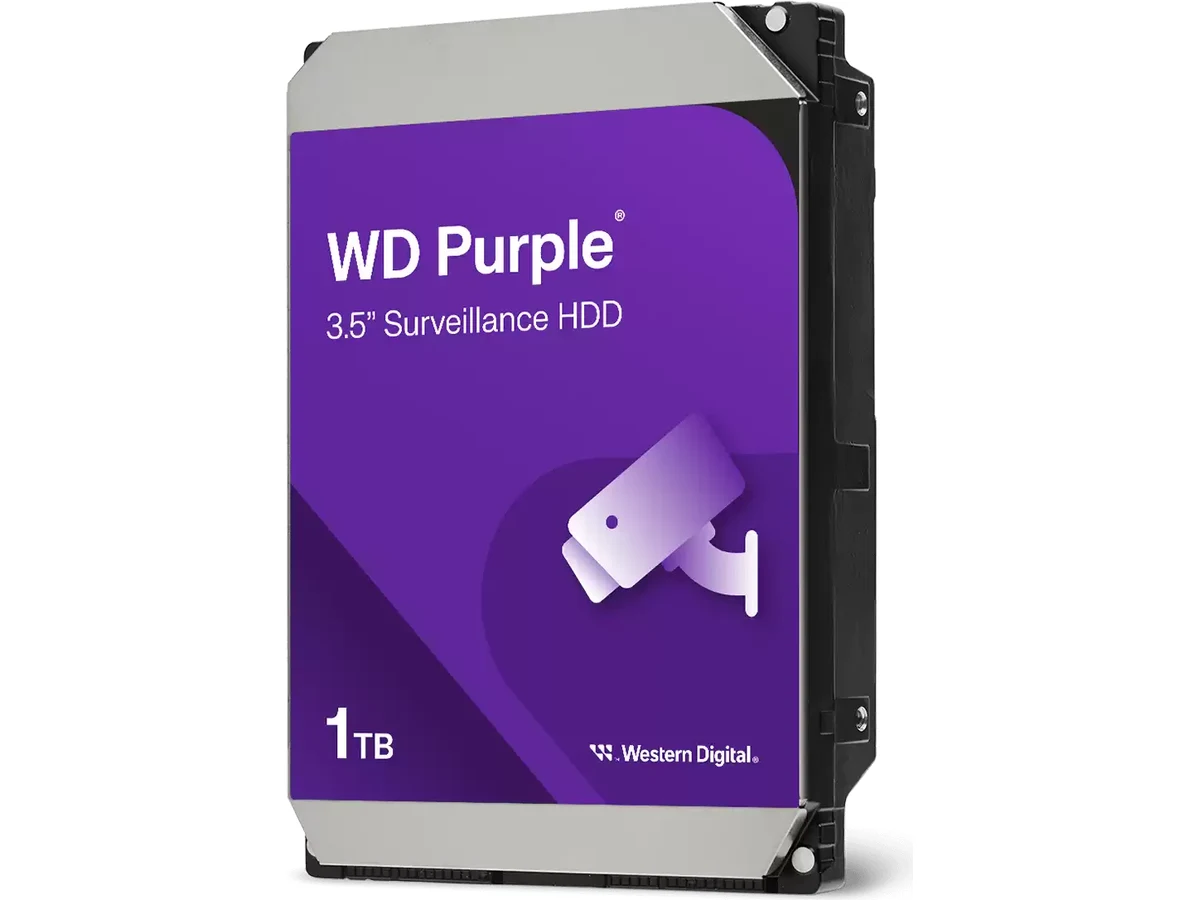
Western Digital
Surveillance Hard Drive
A drive built to be written to continuously, forever — because a desktop drive in a recorder is a failure with a date on it.
- 2TB–12TB
- install available
Why surveillance drives are different
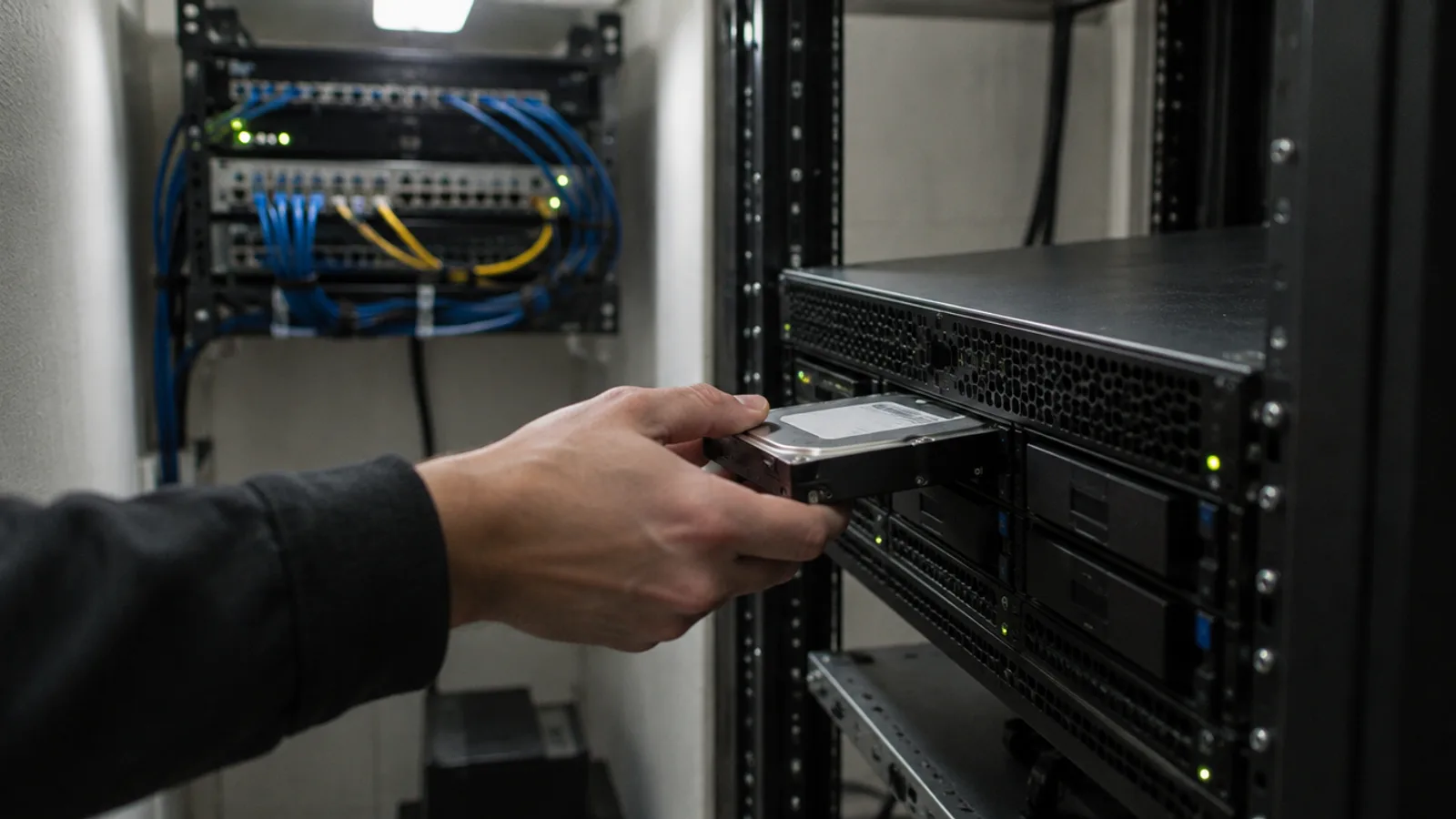
A recorder is hard on a hard drive. It writes several video streams at once, all day, every day, often in a warm cabinet. Desktop drives are built for a different pattern of use.
Surveillance drives are designed for that continuous workload. Western Digital rates its WD Purple drives, which we sell, for up to 180 TB per year of workload. They include its AllFrame firmware, designed to reduce dropped frames, and support up to 64 single-stream HD cameras. The 12 TB model is a WD Purple Pro, rated for 550 TB per year and backed by a 5-year limited warranty instead of 3.
Drive capacity should also match the recorder. The 4-channel NVR we stock has one drive bay, and the 8- and 16-channel models have two, each taking drives of up to 12 TB, per the manufacturer. The recorders ship with a 2 TB or 4 TB drive already fitted, and a second drive is the usual way to extend retention on the larger models.
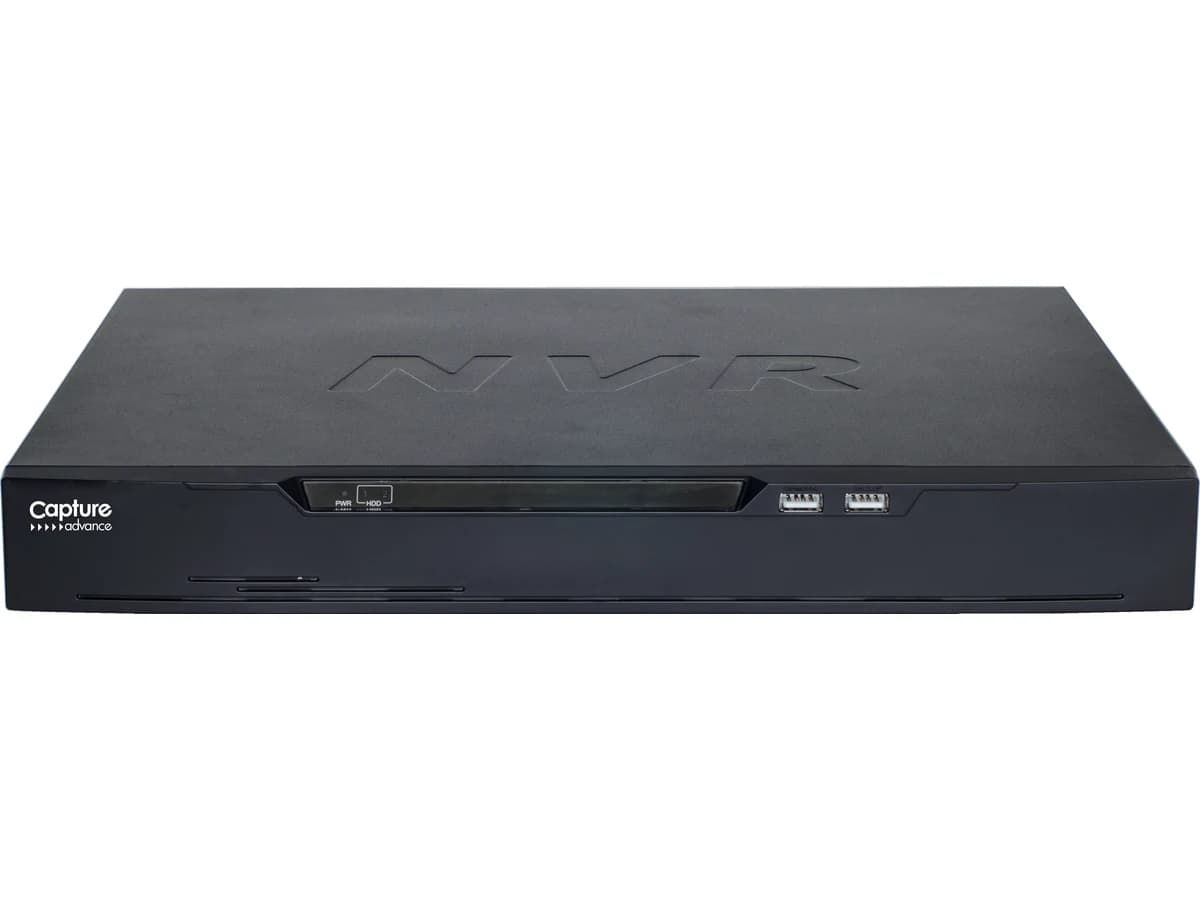
Capture Advance
Network Video Recorder (NVR)
The box that powers your IP cameras over their network cable and keeps the footage — so there's something to look back at weeks later.
- 8MP
- 4CH–16CH
- install available
Sizing it properly
The right storage comes from working backward: decide how many days you want to keep, set sensible frame rates and recording modes for each camera, then choose drives to match — with some headroom for busy scenes.
We do that math as part of every camera system we design, using the actual cameras and settings for your property, and we check real usage after installation so the retention you were promised is the retention you get. See the full video surveillance service, or book a free walkthrough.
Sources
- New video codec to ease pressure on global networks (H.265/HEVC) — International Telecommunication Union
- CCTV & NVR Surveillance Storage Calculator — Western Digital
- Surveillance Storage Calculator — Seagate
- WD Purple Surveillance Hard Drive — Western Digital
- Western Digital Surveillance Hard Drive — manufacturer specifications — MasterVizion shop
- Capture Advance Network Video Recorder — manufacturer specifications — MasterVizion shop