Key takeaways
- Both Cat6 and Cat6A carry gigabit Ethernet over a full 100-meter channel. The difference shows at 10 gigabits: Cat6A is designed for it at 100 meters, Cat6 only over shorter runs.
- Cat6A is specified to 500 MHz and Cat6 to 250 MHz. Cat6A costs more and is usually a bigger, stiffer cable to work with.
- Power over Ethernet runs cameras and Wi-Fi access points on the same cable as their data, so one run per device does both jobs.
- Wi-Fi access points wired back to the network cover a home far more evenly than a single router trying to reach every room.
Almost everything in a modern home that needs a reliable connection — the TV, a camera system, the Wi-Fi itself — works best on a network cable. Cable goes into walls once, and pulling it out later is the expensive part, so the choice of cable deserves a few minutes' thought.
For most homes today, that choice is between Cat6 and Cat6A. Here's what actually separates them, in plain terms.
What the categories mean
Network cable is graded into categories by the Telecommunications Industry Association's ANSI/TIA-568 standards. Each category is tested to a maximum signal frequency: the higher the frequency, the more data the cable can carry cleanly.
Panduit, a cabling manufacturer, summarizes the two:
| Cat6 | Cat6A | |
|---|---|---|
| Specified bandwidth | 250 MHz | 500 MHz |
| Designed for | Gigabit Ethernet (1000BASE-T) | 10-gigabit Ethernet (10GBASE-T) |
| Connector | RJ45 | RJ45 |
Belden, another cable maker, lists its own Cat6 cable as a "250MHz Category 6" product. Siemon's Cat6A specification describes a complete Cat6A channel "capable of supporting 10GBASE-T operation over 100-metre, 4-connector topologies."
Both use the same RJ45 connector, and Cat6A is backward compatible with Cat6, Panduit notes. A device doesn't need to know which cable it's plugged into.
Speed and distance, in practice
At gigabit speed, the two are equivalent. Both carry 1 gigabit per second over the standard 100-meter (328-foot) channel — longer than almost any run inside a house.
At 10 gigabits, they diverge. Fluke Networks, which makes the testers installers use to certify cabling, quotes the industry guidance (TIA TSB-155) for 10-gigabit Ethernet on Cat6: it "should operate over channel lengths of up to 37 meters of Category 6 cabling, and should operate over channel lengths between 37 and 55 meters of Category 6 cabling depending on the alien crosstalk environment. Channel lengths over 55 meters may require mitigation." Fluke's advice for a new installation that must support 10 gigabits up to 100 meters is to specify Cat6A.
So Cat6 can carry 10 gigabits over short runs, and Cat6A carries it over the full distance.
Cost and handling
Cat6A costs more per run than Cat6, and a typical Cat6A cable is thicker and stiffer, so it needs more room in walls and conduit and more care at the bends. Some manufacturers make slimmer Cat6A: Panduit, for example, offers one with a 6.2 mm diameter it describes as "nearly identical to Cat6."
For most homes, the question is whether the extra headroom is worth that difference on every run, or only on some.
Power over Ethernet: one cable, two jobs
Power over Ethernet (PoE) sends electrical power down the same cable as the data. PoE equipment maker Phihong summarizes the standards:
- IEEE 802.3af (PoE): up to 15.4 W from the switch, 12.95 W at the device — enough for most fixed cameras and many access points
- IEEE 802.3at (PoE+): up to 30 W from the switch, 25.5 W at the device — for PTZ cameras and higher-performance access points
- IEEE 802.3bt (PoE++): up to 90 W from the switch on the highest-powered type
Both Cat6 and Cat6A carry PoE. Panduit notes Cat6A "can accommodate the higher power levels needed for Power over Ethernet (PoE) applications," which becomes more relevant as devices draw more power.
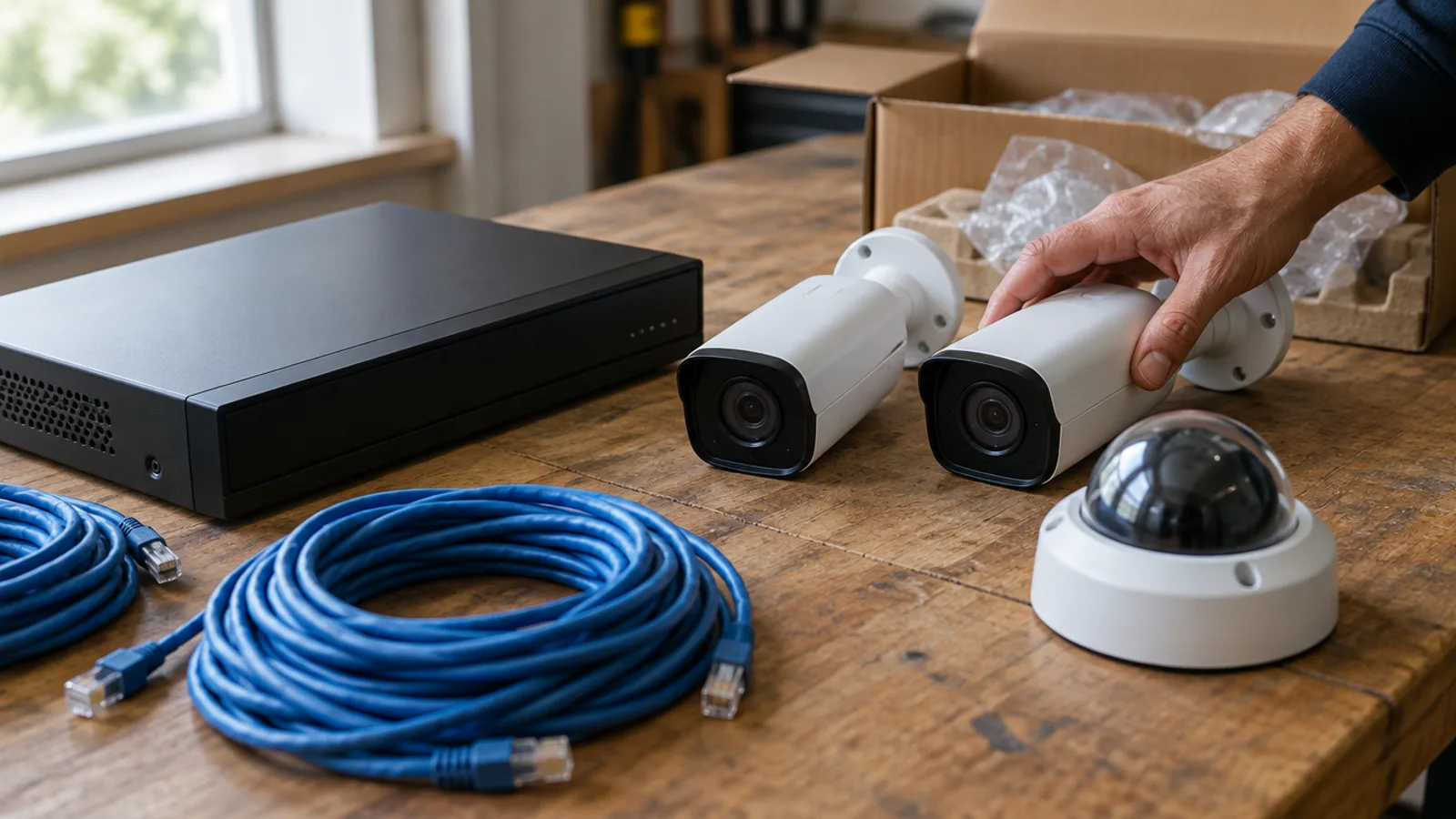
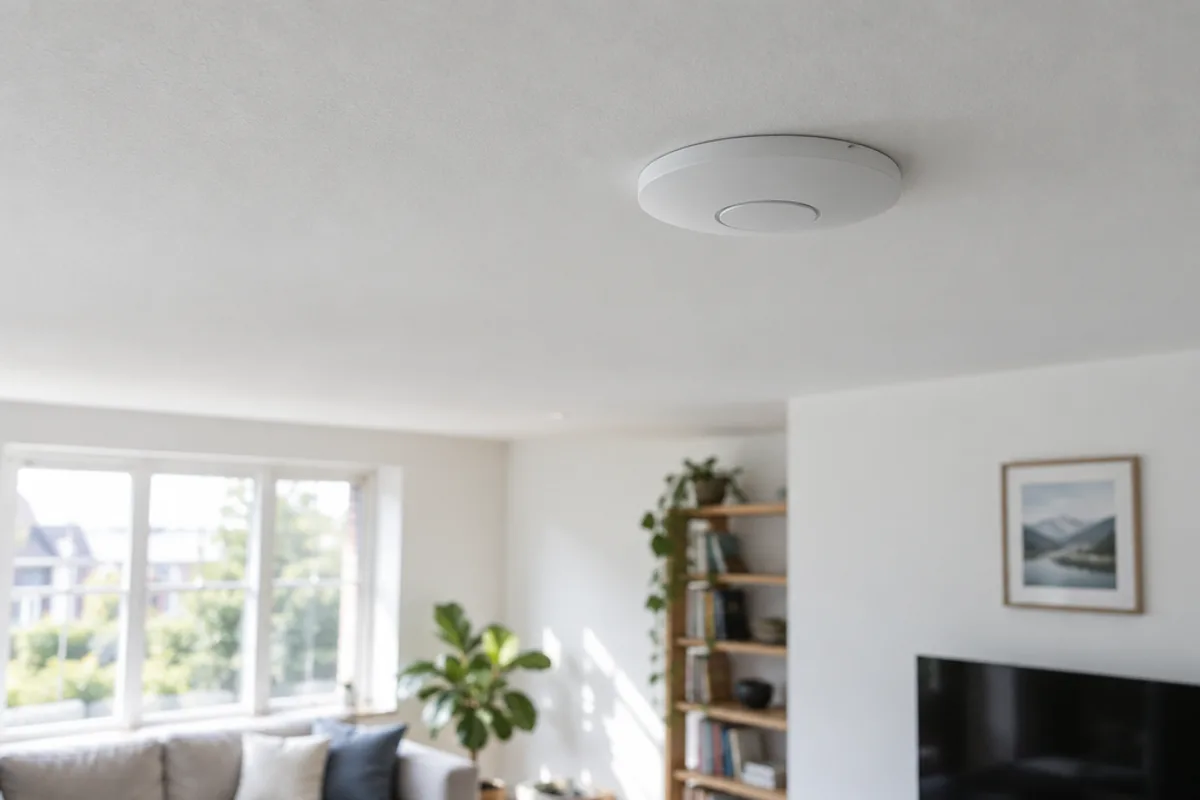
For a home, PoE means each camera or access point needs one cable and no outlet nearby — which is why a camera can sit high under an eave and an access point flush in a ceiling.
Why wired access points beat one router
A single Wi-Fi router in one corner of the house has to reach every room through every wall and floor between them. The Wi-Fi Alliance, the industry body behind Wi-Fi certification, notes that a single access point or router "may or may not have fully enveloped the desired coverage area," and that "the type of walls, floors, and wiring, can affect Wi-Fi coverage."
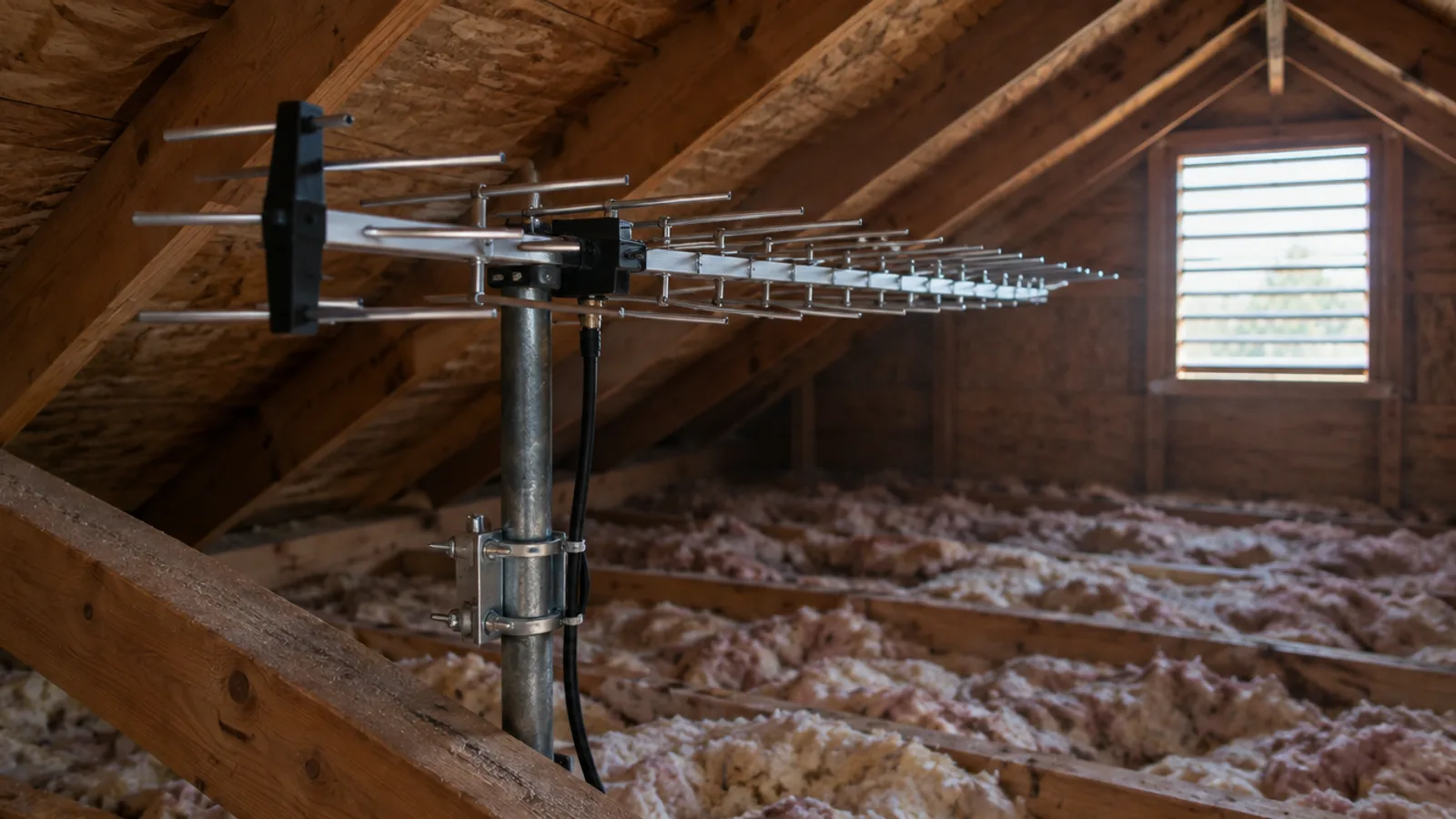
The fix is more access points, spread through the home, each close to where devices are used. The most dependable way to connect them back to the network is a cable: each access point gets its own wired connection, and PoE powers it at the same time. That's why structured cabling and good Wi-Fi go together — the cable runs are what let the wireless work well.
Wiring for the next ten years
Cable tends to outlast everything plugged into it. A few practical rules:
- Run more than you need today. An extra run to the TV wall or the office costs little while the walls are open, and a lot once they're closed.
- Wire the places devices will go, not just where they are now: ceilings for access points, eaves for cameras, behind the TV, and the desk.
- Bring everything back to one place. A single network closet or panel makes the system easy to manage, test and expand.
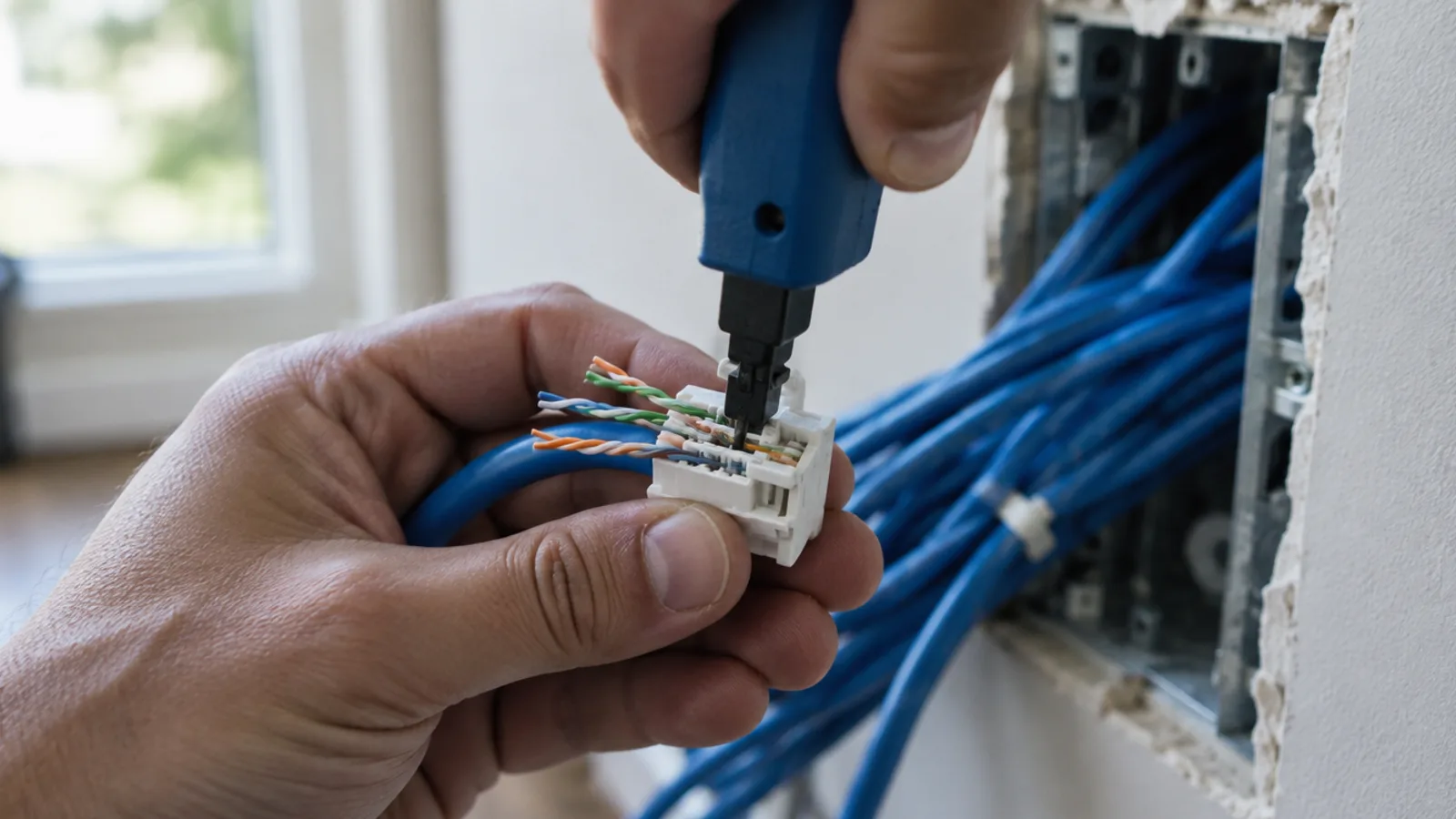
- Terminate and test every run. A clean jack, a labeled plate and a test result are what make cabling dependable.
- Choose Cat6A for runs likely to need 10 gigabits — for example the backbone between a network closet and access points — and Cat6 where gigabit will do.
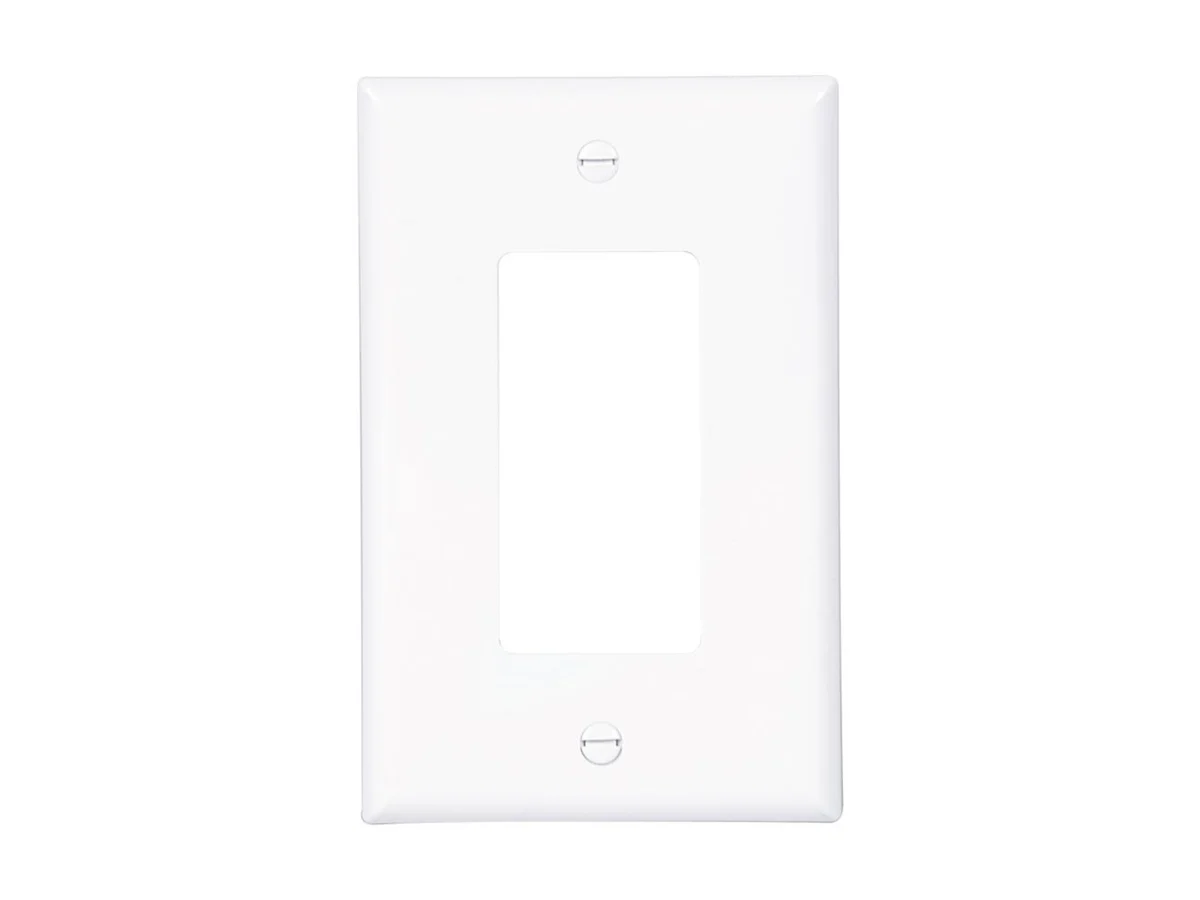
Eaton
Decorator Wall Plate
The wide-opening plate that fits paddle switches, dimmers, USB outlets and keystone inserts — the one most modern devices need.
- 1 Gang–4 Gang
- install available
A note on fiber
MasterVizion runs copper network and data cabling — Cat6 and Cat6A. Fiber isn't part of our service.
Finishing the run
The last few inches matter as much as the cable in the wall. A run should end at a proper keystone jack in a plate that matches the room. The Eaton decorator plates we carry take snap-in keystone inserts, so one plate can carry network, video and speaker connections side by side, and they share a mid-size height with the matching toggle plates so a wall of mixed plates lines up.
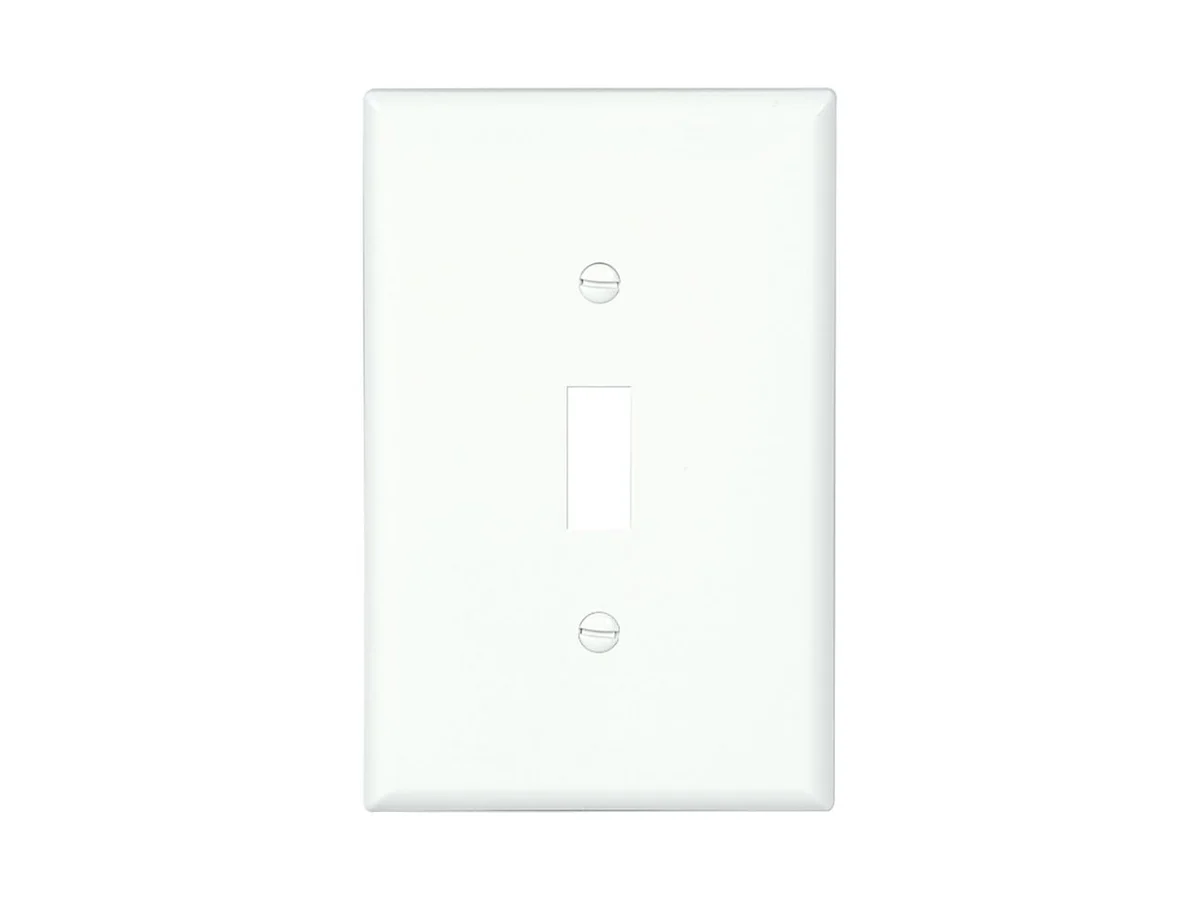
Eaton
Toggle Switch Wall Plate
The cover plate for a standard flip switch — the small piece that turns a finished wall into a finished job.
- 1 Gang–4 Gang
- install available
Planning the cabling
The right design depends on the house: where the internet comes in, where the closet can go, which walls are accessible, and what you want connected now and later. That's what we map out on a walkthrough, before any cable is pulled.
See how we plan and install network and data cabling, or book a free walkthrough and we'll put a written scope and a fixed quote in front of you.
Sources
- 10GBASE-T field testing requirements (TIA TSB-155) — Fluke Networks
- Choosing Between Cat6A and Cat6 Cables: Navigating Industry Standards and Applications — Panduit
- Category 6 Cable 7814A — Belden
- Category 6A F/UTP 4-Pair Cable spec sheet — Siemon
- 802.3af, at and bt: Exploring Active Power Over Ethernet IEEE Standards — Phihong
- Wi-Fi CERTIFIED EasyMesh Technology Overview — Wi-Fi Alliance